Your collection, on your iPhone
A saved story stays in your collection after it leaves the original profile. You can also save a separate copy to Photos.
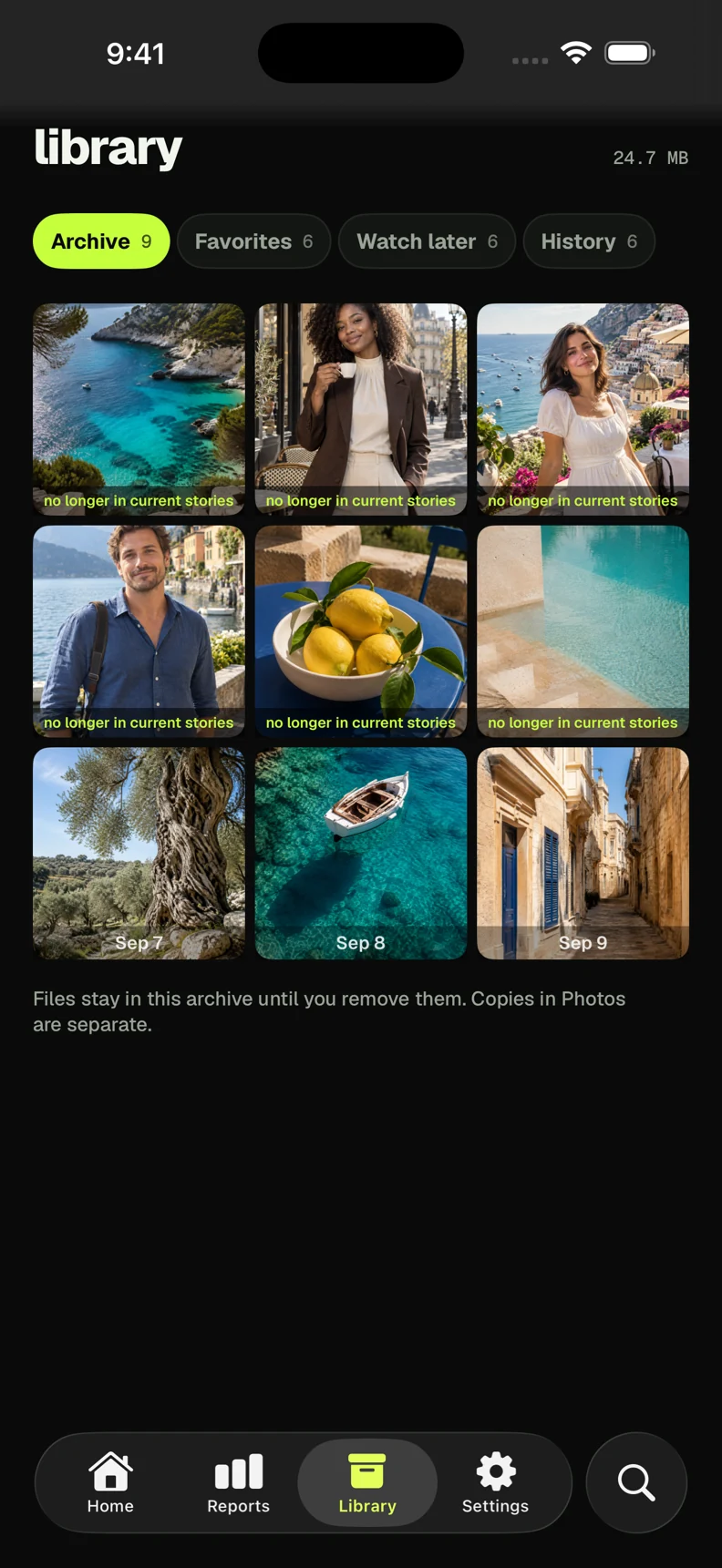
Saved files stay until you remove them, erase app data or remove the app.
Preview of InViewer 2.0 · iOS 26
Open a public Instagram story, post or Reel from its link. Save a copy in your collection while it is still available.
Check the App Store for the currently available version.
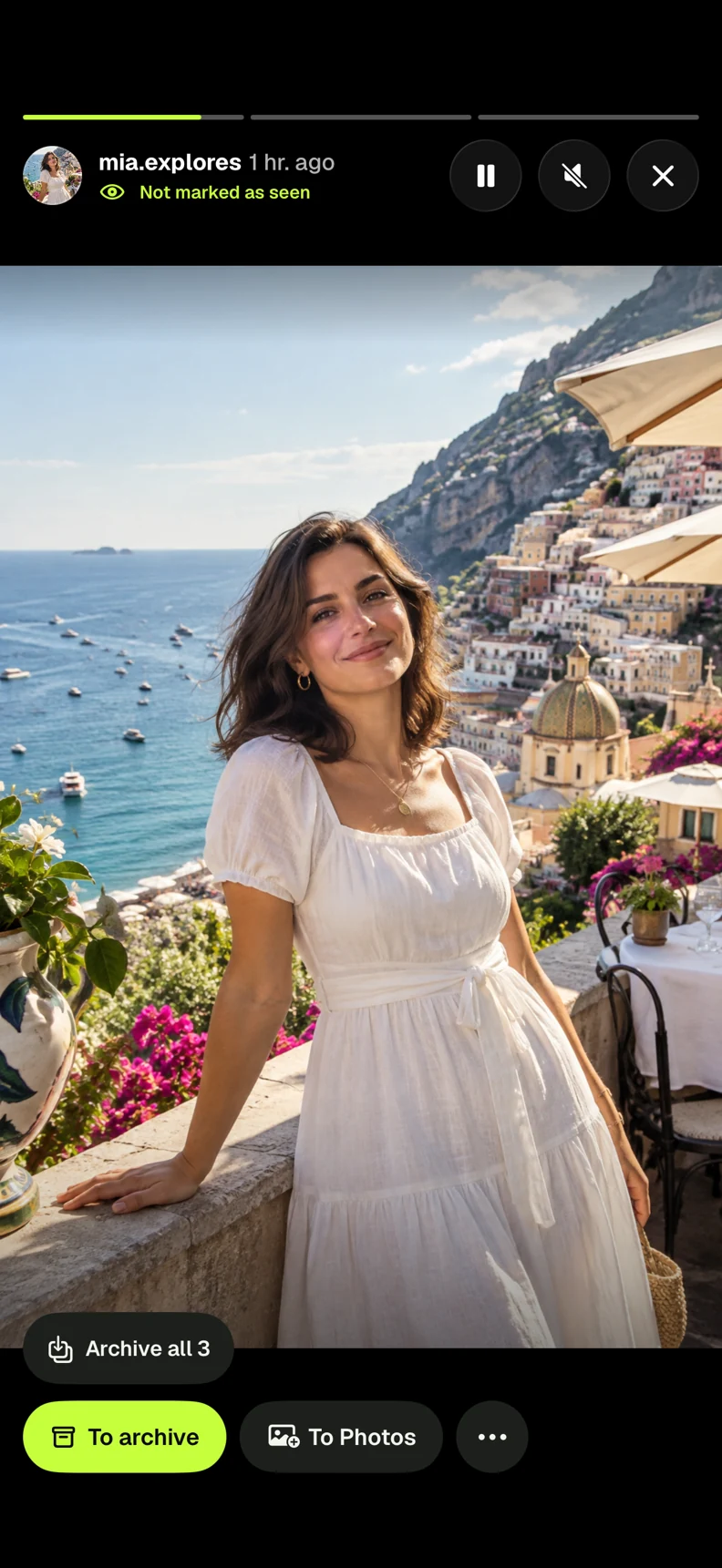
Open a public profile to browse its stories, posts and Reels. Choose what you want to keep.
A saved story stays in your collection after it leaves the original profile. You can also save a separate copy to Photos.
Saved files stay until you remove them, erase app data or remove the app.
Search by name or username, or paste a profile link. Open the matching account to browse its available media.
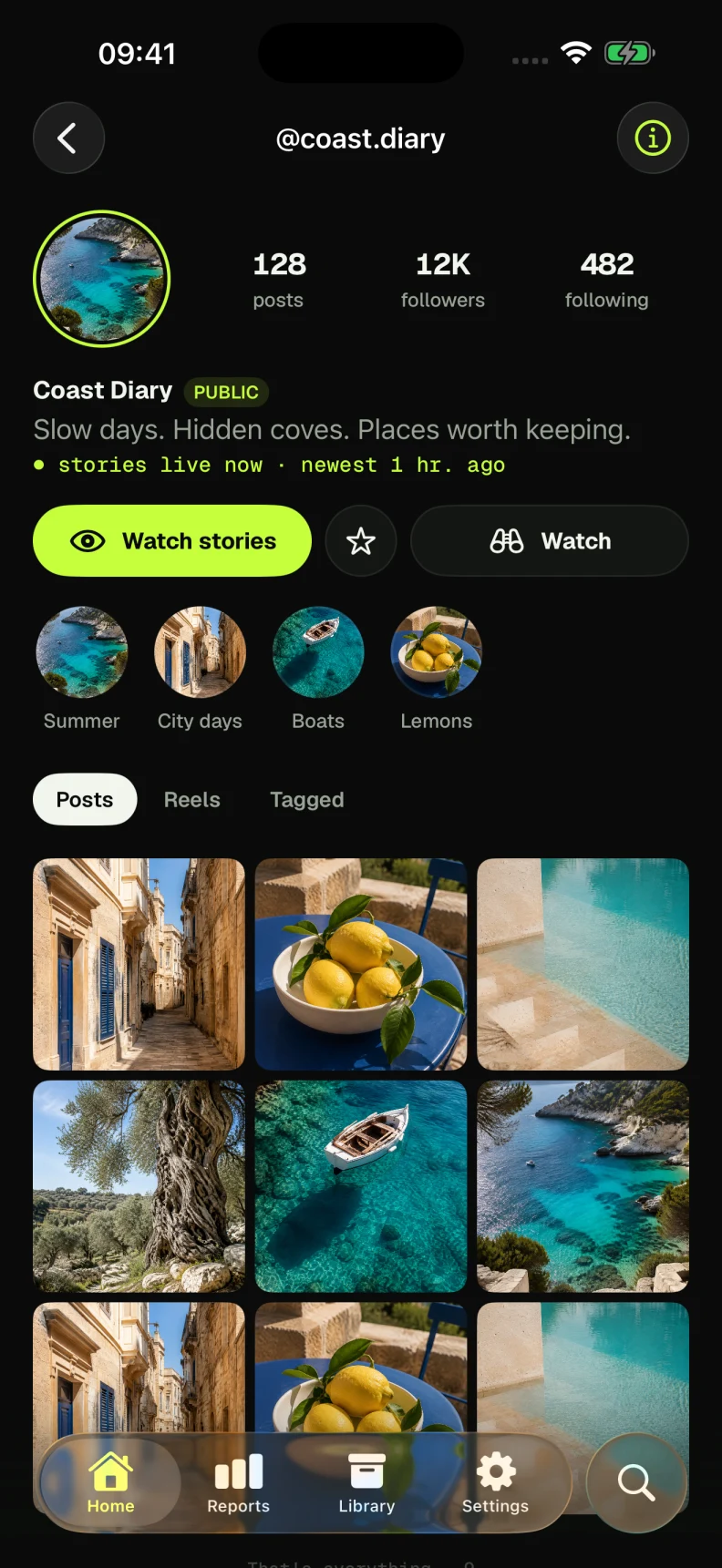
Public accounts only. Private content stays private.
Use a copied link or send it through Share → InViewer.
In Instagram, open the story, post or Reel and use its share menu to copy the link or send it to InViewer.

Paste the copied link into Search and open it. If you used Share → InViewer, return to the app to open the link you sent.
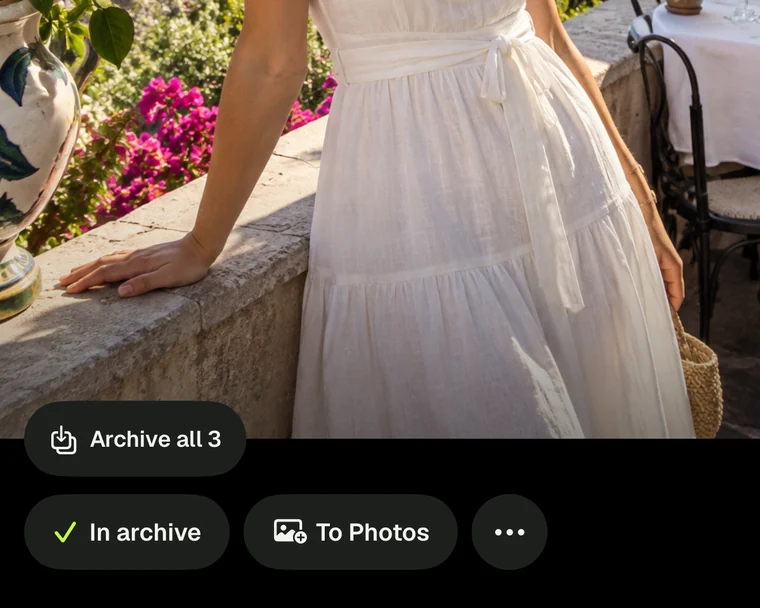
Save the photo or video to your collection. It stays on this iPhone, with a separate option to save it to Photos.
Posts and Reels require Pro. Free story viewing and saving have daily allowances. Save and share only content you have the right to use.
Choose a public account in Reports. After two complete checks, see which followers arrived and which left.
The first check saves the follower list. Later checks compare it with a new complete list. Dates show when a change was detected, not when it happened. Full reports require Pro.
InViewer checks whether the profile is public before running a report. Choosing a profile does not verify ownership or open private content.
No. InViewer 2.0 uses public data. Enter a username or public link in the app. You never need to give InViewer your account password.
No. Content must be publicly available. A deleted or expired story may be unavailable, and some links may not resolve. InViewer explains what is available in the app.
Supported photos and videos you can access in the app can be saved to your personal archive. Copies exported to Photos are separate. Availability, free allowances and Pro requirements are shown before use. Saving content does not transfer the creator’s rights.
No. Return to InViewer to view the latest link you shared. You can also copy a link and paste it into the app.
You can search public profiles and try story viewing and saving within daily free allowances. Posts, Reels and full reports require Pro. The app shows prices, renewal terms and limits before purchase.
The “Secret readers” report lists accounts with recorded public likes or comments that are absent from the latest complete follower list. It uses the activity available to InViewer, which may be incomplete. Instagram does not reveal profile visitors. This report cannot identify unseen visits and does not use story viewer lists.
InViewer 2.0 is designed for iOS 26. Check the App Store for the version currently offered in your region and its compatibility requirements.

Preview of InViewer 2.0 · iOS 26
Check the App Store for the currently available version.